

Orientation
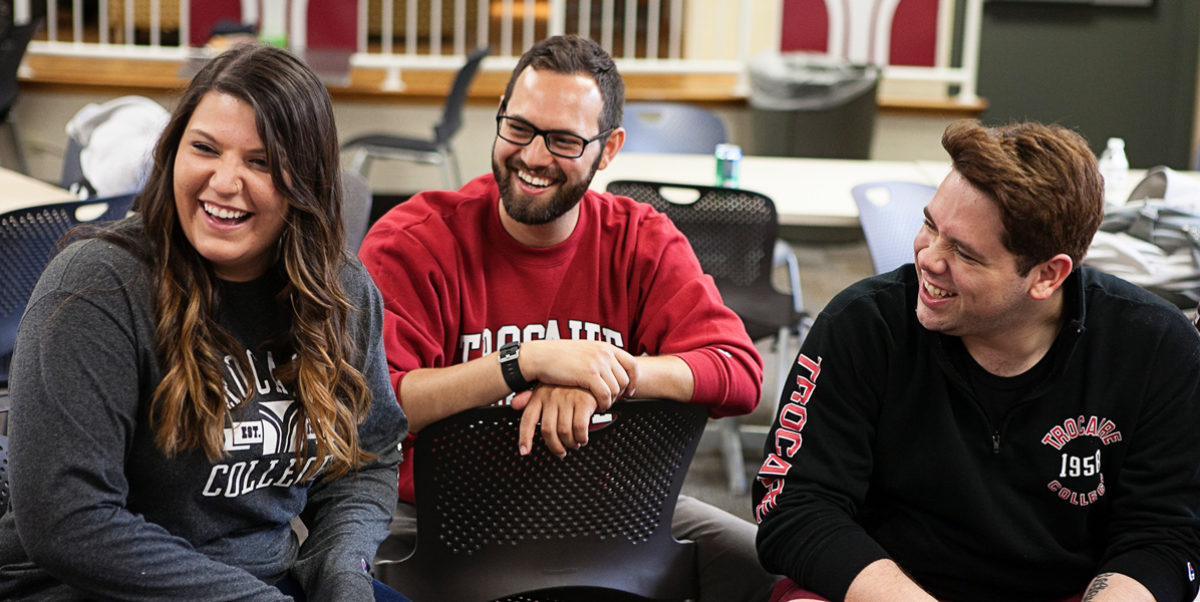
The next step of your journey begins.
Your successful path starts with our New Student Orientation, which will provide the information you need to ease your transition to college life. We’ll cover the basics, such as health records, academic advisement, college policies and financial assistance.
This orientation is required for all first-time students who have not attended a college or university. It is an excellent opportunity to get off to a strong start and ensure your success at Trocaire College. Transfer students are welcome to attend but not required.
*** Please note that incoming first-time students need to have completed their Online Orientation before attending the in-person orientation ***
- Complete the pre-registration New Student Orientation on Blackboard.
- Students can access Blackboard using Google Chrome, Safari, and Microsoft Edge to complete the mandatory New Student Orientation. Google Chrome is the preferred browser. Internet Explorer is not a compatible web browser. This orientation must be completed before the students meet with their advisor to register for classes.
- Your first-time login credentials were included on the second page of your acceptance letter. If you need assistance logging in and changing your passwords, contact the IT HelpDesk at 716.827.4330.
*If you have difficulties or questions with this, please email the Help Desk at helpdesk@trocaire.edu or call 716-827-4330.
- Activate your General Requirements Tracker by visiting mycb.castlebranch.com and entering the package code provided to you by the Admissions or the Wellness Center.
- If you are in a health professions program, you will receive an additional package code specific to the program in which you are enrolled.
- If you have further questions regarding General Requirements health records, contact the Wellness Center at WellnessCenter@trocaire.edu.
- You can call 716.827.2577 or email AcademicSupportCenter@trocaire.edu to schedule your appointment after you complete the mandatory online New Student Orientation.
- Your health records must be submitted prior to making your registration appointment.
Take a moment to complete the Free Application for Federal Student Aid (FAFSA®). This helps determine your aid eligibility for the academic semester. Students must complete this each year.
Trocaire’s federal code is 002812.
Here is the direct link to complete your FAFSA: https://studentaid.gov/h/apply-for-aid/fafsa
-
Upon acceptance to Trocaire College, students gain access to the Trocaire Blackboard Student Training Course.
-
This 2-hour asynchronous training is facilitated by the Director of Digital Learning and is located on the Blackboard course listing page.
-
It is highly recommended that students complete the training prior to the start of the first semester to get acclimated with the Bb learning management system and course navigation.
-
Students gain hands on practice with tasks like submitting an assignment, participating in a discussion forum, taking a test, as well as become familiar with announcements, messages, calendar access, grading feedback, achievements and more. Faculty value the training and many require it as an assignment in their courses.
-
i5 or higher equivalent processor
-
minimum of 8GB RAM
-
512GB SSD/HDD (256GB Minimum)
-
Windows 11
-
Highspeed Internet
-
Webcam: Integrated camera or external USB camera supported by your operating system. Virtual cameras are not supported. Most classes require cameras to be on for exams or online class meetings and office hours. Cameras are needed for ExamSoft proctoring software that is used across all academic areas.
-
Microphone and Speakers that function so you can contribute to conversations.
-
Highly Recommended: Check with your division/department about other system requirements prior to making a purchase.
-
NOT recommend: Chromebooks, Surface Pro or Linux computers. They are not compatible with the software used at Trocaire College. Devices that have an ARM processor are not compatible with ExamSoft /Examplify test taking software. Visit ExamSoft for additional details and requirements.
Orientation FAQ
Will there be a chance to have an orientation on campus? Yes, there is a New Student Orientation held once per semester. The event is mandatory for all first-time college students. First-Time College Student Orientation will be held on Thursday, January 15, 2026, from 1:00-4:00pm at the Choate Campus. You will sign up to attend New Student Orientation through the Blackboard Online course.
Do I need to complete the online New Student Orientation? Yes, before a new student can register, they must complete the online orientation.
How long does the online New Student Orientation take? Approximately 25-30 minutes.
How long is the in-person Orientation? 3 hours long.
Can I rewatch the orientation videos after I become a student? Yes! You can access any of the videos through your Blackboard account.
How do I get my identification card? Your picture for your photo ID card can be taken at least 24 hours after your registration appointment at the front security desk at the main campus. You will need your Student Number, which can be found on your E-Student Portal homepage, to obtain your ID.
What do I need my identification card for? This card is needed for borrowing books from the college library, printing on campus, identification on clinical sites, and admission to college-sponsored functions.